Web User Interface - Home
Home
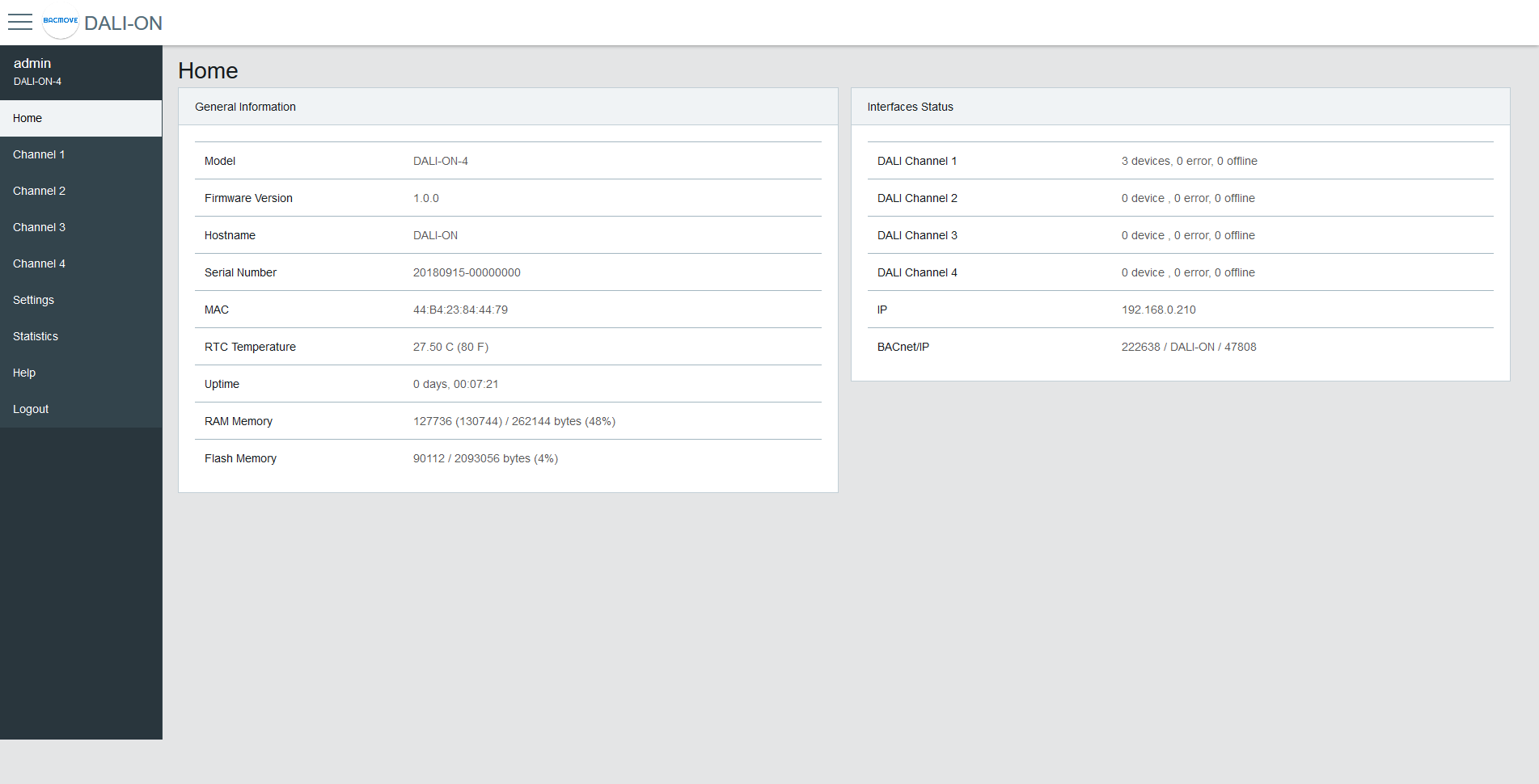
General Information
This section displays some general information about the system.
| Name | Description |
|---|---|
| Model | Model name |
| Firmware Version | Firmware version |
| Build Date | Date of the firmware build |
| Hostname | Hostname of the controller |
| Serial Number | Serial Number |
| MAC | Ethernet MAC address |
| RTC Temperature | Current temperature of the controller |
| Uptime | Time since the last boot of the controller |
| RAM Memory | Usage of the volatile memory |
| Flash Memory | Usage of the non-volatile memory |
DALI Status
This section shows the current status of the DALI interfaces.
| Name | Description |
|---|---|
| Channel | The channel name |
| Status | Green indicates no errors, yellow indicates that at least one device is in error |
| Lamps | The total number of lamps on the channel and the number that are in error |
| Inputs | The total number of inputs on the channel and the number that are in error |
| Utilization | A bar showing the percentage of devices used on the channel |
A Config not verified icon is shown for a channel that has one or more lamps whose stored configuration could not be verified against the lamp. Use the Verify Config action on the DALI lamps page to re-check and clear this condition.
Rooms Occupancy
Uses the Room Light Control occupancy state to display the number of rooms that are currently occupied.
Schedules Status
Displays the time of the next scheduled event for the current day.
Interfaces Status
This section displays the status of the network interfaces.
| Name | Description |
|---|---|
| IP | Status of the IP network |
| BACnet/IP | Status of the BACnet/IP interface |